
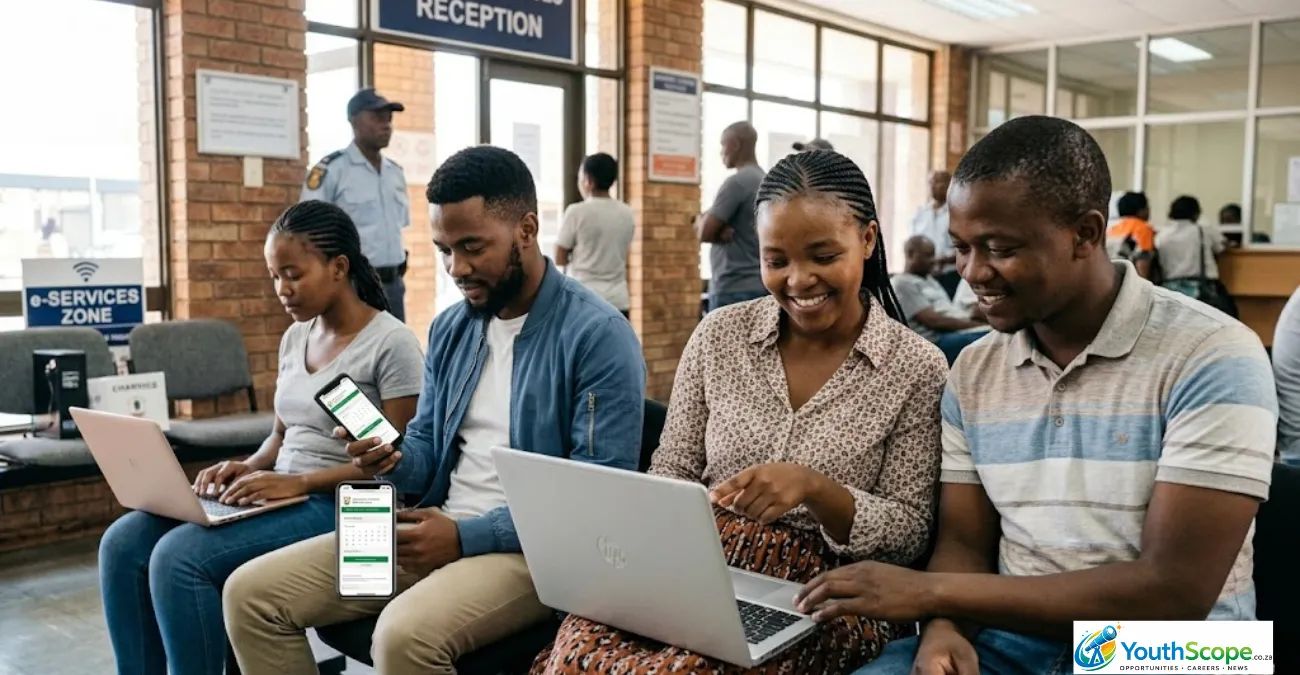
For many South Africans, visiting Home Affairs often means waking up before sunrise, standing in long queues, and hoping to be assisted before the office becomes overcrowded.
But thousands of people still do not know that certain Home Affairs services can now be booked online before visiting an office or selected bank branch.
Using the online booking system correctly can help you save time, avoid unnecessary stress, and make the entire process far easier — especially for students, job seekers, graduates, and working South Africans who cannot afford to lose an entire day waiting in a queue.
If you need a Smart ID, passport, birth certificate, or document collection in 2026, this guide explains how to book a Home Affairs appointment online step by step.
Quick Overview
| Item | Details |
|---|---|
| Service | Home Affairs Online Booking |
| Country | South Africa |
| Main Purpose | Book appointments to reduce waiting times |
| Services Available | Smart ID, Passport, Collections, Civic Services |
| Official Platform | eHomeAffairs |
| Registration Cost | Free |
| Main Requirements | SA ID number, cellphone number, email |
| Available At | Selected Home Affairs offices and bank branches |
| Booking Method | Online appointment scheduling |
Why More South Africans Are Booking Home Affairs Appointments Online
Home Affairs offices across South Africa continue experiencing extremely high demand.
Many people spend hours in queues for services such as:
- Smart ID applications
- Passport renewals
- Birth certificate requests
- ID collections
- Replacement documents
Because of overcrowding, more South Africans are turning to online bookings to avoid wasting time.
Online appointment systems help people:
- Reduce waiting times
- Avoid arriving before sunrise
- Select available dates and time slots
- Prepare documents in advance
- Avoid repeat visits
- Access services at participating banks
For young people applying for jobs, internships, bursaries, learnerships, and university admissions, having updated documents quickly can be extremely important.
What Is eHomeAffairs?
Department of Home Affairs introduced the eHomeAffairs platform to modernise and digitise selected services.
The system allows South Africans to:
- Apply for Smart ID cards
- Apply for passports
- Make online payments
- Book appointments
- Track applications
- Schedule collections
- Use participating bank branches
The platform is especially useful for people applying for:
- First Smart IDs
- Passport renewals
- Lost or damaged IDs
- Passport collections
- Certain civic services
Step-by-Step Guide: How to Book a Home Affairs Appointment Online
Step 1: Visit the Official eHomeAffairs Website
Go to the official eHomeAffairs platform:
Always use the official government website to avoid scams or fake booking services.
Step 2: Register an Account
If you are using the platform for the first time:
- Click “Register”
- Enter your:
- South African ID number
- Full names
- Cellphone number
- Email address
- Password
You will receive a One-Time Pin (OTP) to verify your account.
Once verified, log into your profile.
Step 3: Choose the Service You Need
After logging in, select the service you want.
Common options include:
- Smart ID Card
- Passport Application
- Child Passport
- Passport Renewal
- ID Replacement
- Collection Appointment
The system may request additional details depending on the service selected.
Step 4: Choose an Office or Bank Branch
You can then select where you want your appointment.
Options may include:
- Home Affairs offices
- Participating bank branches
Some major banks linked to eHomeAffairs include:
- Absa
- FNB
- Nedbank
- Standard Bank
Bank branches are often cleaner, faster, and less crowded than traditional offices, but appointment spaces fill quickly.
Step 5: Select an Available Date and Time
The platform will display available booking slots.
Choose:
- Your preferred date
- Available time slot
Morning appointments are usually better because offices become busier later in the day.
Step 6: Confirm Your Booking
Before finalising:
- Review your details carefully
- Confirm the appointment
- Save or print the confirmation
You may receive:
- SMS confirmation
- Email confirmation
- Booking reference number
Keep this information safe because officials may request it when you arrive.
Documents You May Need to Bring
The required documents depend on the service booked.
For Smart ID Applications
You may need:
- Green ID book
- Birth certificate for first-time applicants
- Proof of payment if required
For Passport Applications
You may need:
- Existing passport
- Smart ID or green ID book
- Passport photos if requested
For Child Applications
Parents or guardians may need:
- Birth certificate
- Parent IDs
- Consent forms
Always verify requirements through official Home Affairs channels before your appointment.
Can You Book Home Affairs Appointments at Banks?
Yes. Some bank branches in South Africa work with Home Affairs to process selected services.
This allows qualifying clients to:
- Apply for Smart IDs
- Apply for passports
- Complete biometrics
- Collect documents
Many South Africans prefer bank branches because they are often:
- Faster
- Better organised
- Less crowded
- More comfortable
However, there are limitations:
- Not all banks participate
- Not all branches offer the service
- Some branches assist only bank clients
- Appointment slots fill quickly
Common Problems People Experience
Although the system is helpful, users sometimes encounter problems.
No Available Booking Slots
This is extremely common.
Try:
- Logging in early mornings
- Checking nearby towns or cities
- Looking for cancellations
- Trying different branches
OTP Not Received
SMS delays sometimes happen.
You can:
- Wait a few minutes
- Retry later
- Confirm your cellphone number is correct
Website Errors or Slow Loading
The platform may become slow during peak periods.
Try:
- Using another browser
- Clearing browser cache
- Using stable internet
- Logging in during quieter hours
Tips to Avoid Home Affairs Queues Completely
Book as Early as Possible
Appointments can fill quickly.
Try booking:
- Several weeks ahead
- Early in the morning
- Mid-week instead of Mondays
Arrive Before Your Appointment Time
Even with bookings, arriving early helps.
Aim to arrive:
- 30 to 45 minutes early
Bring Every Required Document
Many delays happen because applicants arrive unprepared.
Double-check:
- Certified copies
- Original documents
- Payment confirmations
- Photos if needed
Avoid Peak Seasons
Home Affairs offices become extremely busy during:
- December holidays
- January registrations
- NSFAS season
- University registration periods
Use Bank Branches if Possible
Participating banks are often much faster than ordinary offices.
Who Should Use Online Bookings?
Online appointments are especially useful for:
- Students
- Job seekers
- Graduates
- Workers with limited leave days
- Parents with children
- Elderly people
- Passport applicants
It can save many hours that would otherwise be spent standing in queues.
Is the Online Booking System Free?
Yes. Registering and booking through eHomeAffairs is completely free.
However, normal fees still apply for services such as:
- Passports
- ID replacements
- Certain certificates
Be careful of scammers charging fake “booking fees” online.
Why This Matters for Students and Job Seekers
Many opportunities in South Africa require updated documents.
Without valid IDs or passports, young people can miss:
- Learnership opportunities
- NSFAS applications
- Government jobs
- TVET college admissions
- Internship programmes
- Bursary applications
Knowing how to access Home Affairs services efficiently can help avoid delays that affect education and career opportunities.
Mbalizuke Nkosi Expert Insight: How to Make Your Appointment Successful
One of the biggest mistakes applicants make is assuming the booking alone guarantees fast service.
Preparation still matters.
To improve your experience:
- Save screenshots of confirmations
- Arrive early
- Bring extra document copies
- Double-check requirements beforehand
- Avoid relying on unofficial “agents”
Applicants who prepare properly usually complete the process much faster and avoid repeat visits.
Frequently Asked Questions (FAQ)
Can I visit Home Affairs without an appointment?
Yes. Some offices still accept walk-ins, but queues may be extremely long.
Is online booking available nationwide?
Yes, but appointment availability differs between offices and provinces.
Can I change or cancel my booking?
In many cases, yes. You can manage bookings through your eHomeAffairs account.
Do I need online banking?
Some services may require online payment methods linked to participating banks.
Are bank branches faster?
Usually yes, but spaces are limited and often fully booked quickly.
Can I collect my ID without booking?
Some collections still require queueing depending on the office or branch.
Explore More Opportunities:
Final Thoughts
The Home Affairs online booking system is helping many South Africans avoid long queues and save valuable time.
Whether you are applying for a Smart ID, passport, or collecting important documents, learning how to use eHomeAffairs properly can make the process far easier and less stressful.
For students, graduates, and job seekers especially, having updated documents quickly can open doors to education, employment, internships, bursaries, and government opportunities.
The key is simple: prepare early, book carefully, and always use official government platforms.
Disclaimer
This article is for informational purposes only. Home Affairs processes, appointment availability, and participating bank branches may change over time. Always verify information through official government channels before applying.
“Always verify opportunities from official providers before applying.”

Mbalizuke Nkosi is the editorial voice behind YouthScope.co.za, a South African youth-focused platform dedicated to providing reliable information on opportunities, education, and career development. The platform serves students, graduates, job seekers, and young professionals by delivering accurate, timely, and easy-to-understand content.
Through informative and professionally curated content, YouthScope.co.za aims to equip young people with the knowledge and resources needed to make informed decisions about their education and future careers.
For inquiries or support, please contact admin@youthscope.co.za.