
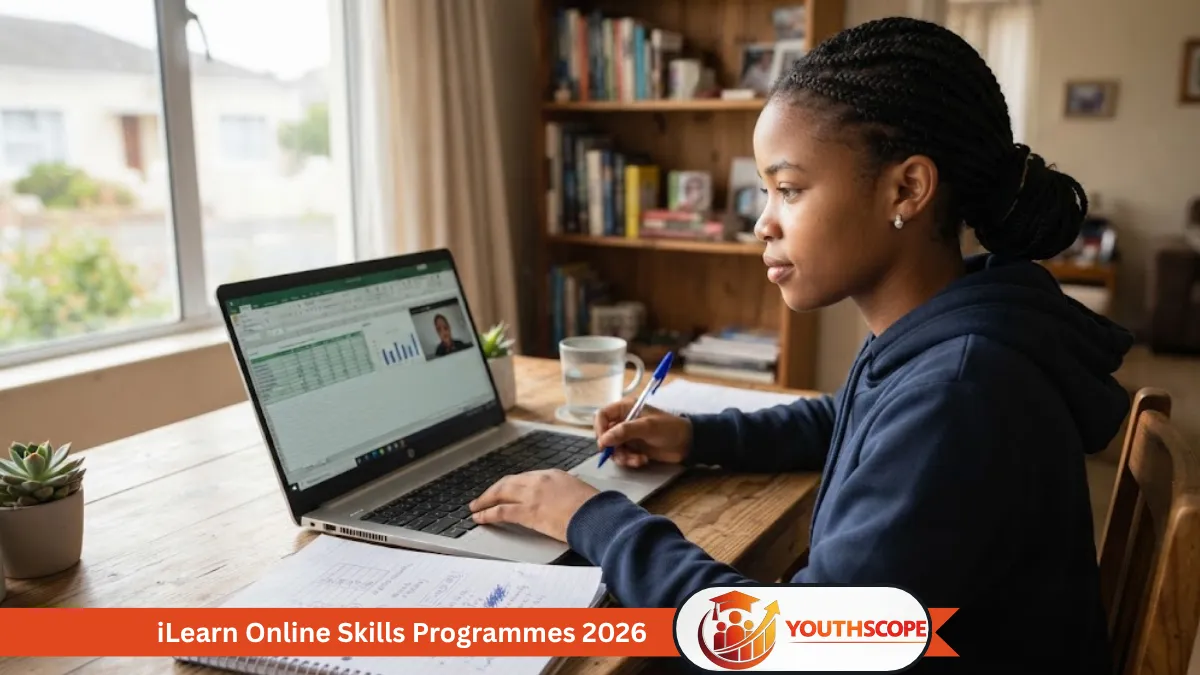
South Africans looking to improve their workplace digital skills can explore the online skills programmes offered by iLearn.
The provider’s current online-skills page describes these as short, practical SETA-accredited programmes delivered fully online. The listed online offering includes Microsoft Excel training at Beginner, Intermediate and Advanced levels.
iLearn says its online skills programmes can take between 15 and 18 hours, depending on the programme, and may consist of one or several unit standards. Learners may obtain credits towards a registered qualification through completing applicable skills programmes.
iLearn Online Skills Programmes: Quick Overview
| Detail | Information |
|---|---|
| Provider | iLearn |
| Programme type | Online skills programmes |
| Delivery | Fully online |
| Current listed online area | Microsoft Excel |
| Levels | Beginner, Intermediate and Advanced |
| Approximate duration | 15–18 hours |
| Accreditation | Described by iLearn as SETA-accredited |
| Learning format | Self-paced online learning for the detailed Excel programmes |
| Closing date | Not specified |
| Stipend | Not specified |
| Course fee | Not specified on the supplied page |
What Online Skills Programmes Does iLearn Offer?
The current online-skills page lists three Microsoft Excel programmes:
- Microsoft Excel – Beginners
- Microsoft Excel – Intermediate
- Microsoft Excel – Advanced
These are separate from iLearn’s broader skills-programme catalogue, which includes areas such as business administration, entrepreneurship, contact centre, information technology, management, project management, and sales and marketing.
1. Microsoft Excel – Beginners
The beginner programme is designed for learners who need to create and edit spreadsheets using a graphical user interface-based spreadsheet application.
iLearn says the programme covers spreadsheet creation, editing, formatting, calculations and organising information into rows and columns.
The detailed course page lists a duration of 17 online hours plus a portfolio of evidence (POE) submission.
Prerequisites
The listed prerequisites are competence in:
- Communication
- Mathematical Literacy
- Computer Literacy
at NQF Level 2.
The page also lists unit standards relating to using a GUI-based spreadsheet application and changing the appearance of spreadsheet data.
2. Microsoft Excel – Intermediate
The intermediate programme is designed for learners who already have basic spreadsheet knowledge and want to develop more advanced spreadsheet skills.
The broader iLearn page lists Intermediate Excel as one of its online programmes.
Applicants should check the detailed course information before enrolling because the appropriate entry level and unit-standard requirements depend on the specific programme.
3. Microsoft Excel – Advanced
The Advanced Excel programme is aimed at learners who want to develop more advanced spreadsheet capabilities.
iLearn specifically mentions functions such as:
- Pivot tables
- Lookup functions
- Advanced formulas
The detailed programme is listed as 15 online hours plus a POE submission.
Prerequisites
iLearn states that learners should be competent in:
- Communication
- Mathematical Literacy
- Computer Literacy
at NQF Level 3.
The programme includes unit standards dealing with spreadsheet functionality, graphs/charts and spreadsheet integrity.
Are iLearn Online Skills Programmes Free?
The supplied iLearn page does not state that the online skills programmes are free.
Therefore:
Course fee: Not specified on the supplied page.
The fact that a programme is described as SETA-accredited does not by itself establish that the learner can enrol without paying.
Applicants should confirm the current price and funding arrangements directly with iLearn before registering.
Do the Courses Pay a Stipend?
No stipend is stated on the supplied online-skills page.
Stipend: Not specified.
These programmes should therefore not be advertised as stipend-paying learnerships unless an official advertisement for a specific funded programme confirms that benefit.
Are the Programmes Online?
Yes.
iLearn describes its online skills programmes as being delivered fully online.
The detailed Excel programme pages describe the learning method as self-paced online learning.
However, the official pages do not establish that learners can complete the programmes using a smartphone alone. For Excel training, applicants should confirm the required device and software requirements with iLearn.
How Long Do the Programmes Take?
iLearn’s main online-skills page says programmes may last approximately 15 to 18 hours.
The individual Excel pages provide more specific information:
- Excel Beginners: 17 online hours + POE submission
- Excel Advanced: 15 online hours + POE submission
The duration of the Intermediate programme should be confirmed on its individual course page.
Are the Programmes SETA Accredited?
iLearn describes the online skills programmes as SETA-accredited.
The detailed Excel pages also display the relevant SETA accreditation information for their programmes.
Applicants should still check the specific accreditation and unit-standard information for the programme they choose.
Can You Earn Credits?
According to iLearn, completing applicable skills programmes can allow a learner to obtain credits towards a registered qualification.
The exact credits depend on the programme and its unit standards.
For example, the Beginner Excel programme lists:
- A 4-credit NQF Level 2 unit standard
- A 3-credit unit standard relating to spreadsheet appearance
The Advanced Excel programme lists two NQF Level 4 unit standards carrying 3 credits each.
What Other Skills Programmes Does iLearn Offer?
Although the supplied page specifically concerns online skills programmes, iLearn’s broader skills-programme catalogue contains many additional areas.
These include:
Business and administration
Examples include:
- Business and Office Administration
- Business Writing Skills
- Report Writing
- Work Readiness
- Time Management
Entrepreneurship
Examples include:
- Create a Business Plan
- Identify Entrepreneurial Ideas and Opportunities
- Manage Finances
- Improve New Venture Performance
- Research the Viability of New Venture Ideas
Information Technology
Examples include:
- Introduction to Computers
- Microsoft Word
- Microsoft Excel
- Microsoft PowerPoint
- Microsoft Access
- Microsoft Outlook
- Database Access
- Networking
- Computer Programming
Contact centre
The catalogue includes programmes covering:
- Customer Interaction
- Call Management
- Inbound Contact Centre Skills
- Outbound Contact Centre Skills
- Customer and Sales Techniques
- Service Excellence
- Problem Solving
Management and project management
The wider catalogue also includes areas such as:
- Leadership
- People Management
- Performance Management
- Project Management
- Project Planning
- Project Budgeting
- Team Management
Important: these additional programmes are listed in iLearn’s broader skills-programme catalogue and should not automatically be described as part of the specific fully online offering on the supplied page.
Does iLearn Offer Bridging Programmes?
Yes.
iLearn separately lists Bridging the Gap skills programmes designed to address fundamental skills required for entry into a learnership.
The page lists:
- Computer Literacy
- Work Readiness
These programmes may take between four and 11 days.
Again, this is a separate programme category and should not be confused with the online Excel offering.
Who Can Take These Courses?
The exact target learner depends on the specific programme.
For example, iLearn says the Beginner Excel programme is intended for people who need to create and edit spreadsheets or who need basic spreadsheet competency for a career requiring these skills.
The Advanced Excel programme is intended for people who work with spreadsheets and for whom the reliability of data is important, as well as people who need advanced spreadsheet abilities.
There is therefore no single universal eligibility requirement for every iLearn skills programme.
Is There a Closing Date?
The supplied online-skills page does not specify a 2026 application closing date.
Closing date: Not specified.
Prospective learners should confirm current availability and registration arrangements with iLearn.
How to Apply or Enquire
The iLearn page provides an Enquire Now option for the online programmes.
Because the supplied page does not provide a conventional 2026 application deadline or a universal fee, interested learners should use the official iLearn enquiry route to confirm:
- Current course availability
- Course price
- Entry requirements
- Device requirements
- Assessment arrangements
- Accreditation details
- Registration procedure
Online Skills Programmes – SETA Accredited
Important: SETA Accredited Does Not Automatically Mean Free
This is one of the most important points for applicants.
A course being described as SETA-accredited does not by itself prove that the course is free.
iLearn describes these programmes as SETA-accredited, but the supplied online-skills page does not state that learners receive free tuition.
Applicants should therefore verify the cost before registering.
Final Takeaway
iLearn currently lists online Microsoft Excel skills programmes at Beginner, Intermediate and Advanced levels.
The provider describes its online skills programmes as short, practical and SETA-accredited, with learning delivered fully online. The main page says programmes may take approximately 15–18 hours.
The detailed course pages provide additional information about prerequisites, unit standards and learning outcomes.
However, the supplied page does not establish that the programmes are free, does not specify a stipend and does not provide a universal 2026 closing date.
Anyone interested should check the official iLearn information and confirm the current course fee, requirements and registration arrangements before enrolling.
Official source
iLearn — Online Skills Programmes
The official page describes the programmes as short, practical SETA-accredited programmes delivered fully online.
For Youthscope:
Author/Updated Information
Written by: Mbalizuke Nkosi
Published: 18 September 2026
Updated: 18 September 2026
Information checked: 18 September 2026

Mbalizuke Nkosi is the editorial voice behind YouthScope.co.za, a South African youth-focused platform dedicated to providing reliable information on opportunities, education, and career development. The platform serves students, graduates, job seekers, and young professionals by delivering accurate, timely, and easy-to-understand content.
Through informative and professionally curated content, YouthScope.co.za aims to equip young people with the knowledge and resources needed to make informed decisions about their education and future careers.
For inquiries or support, please contact admin@youthscope.co.za.